
How do I set my search preferences?
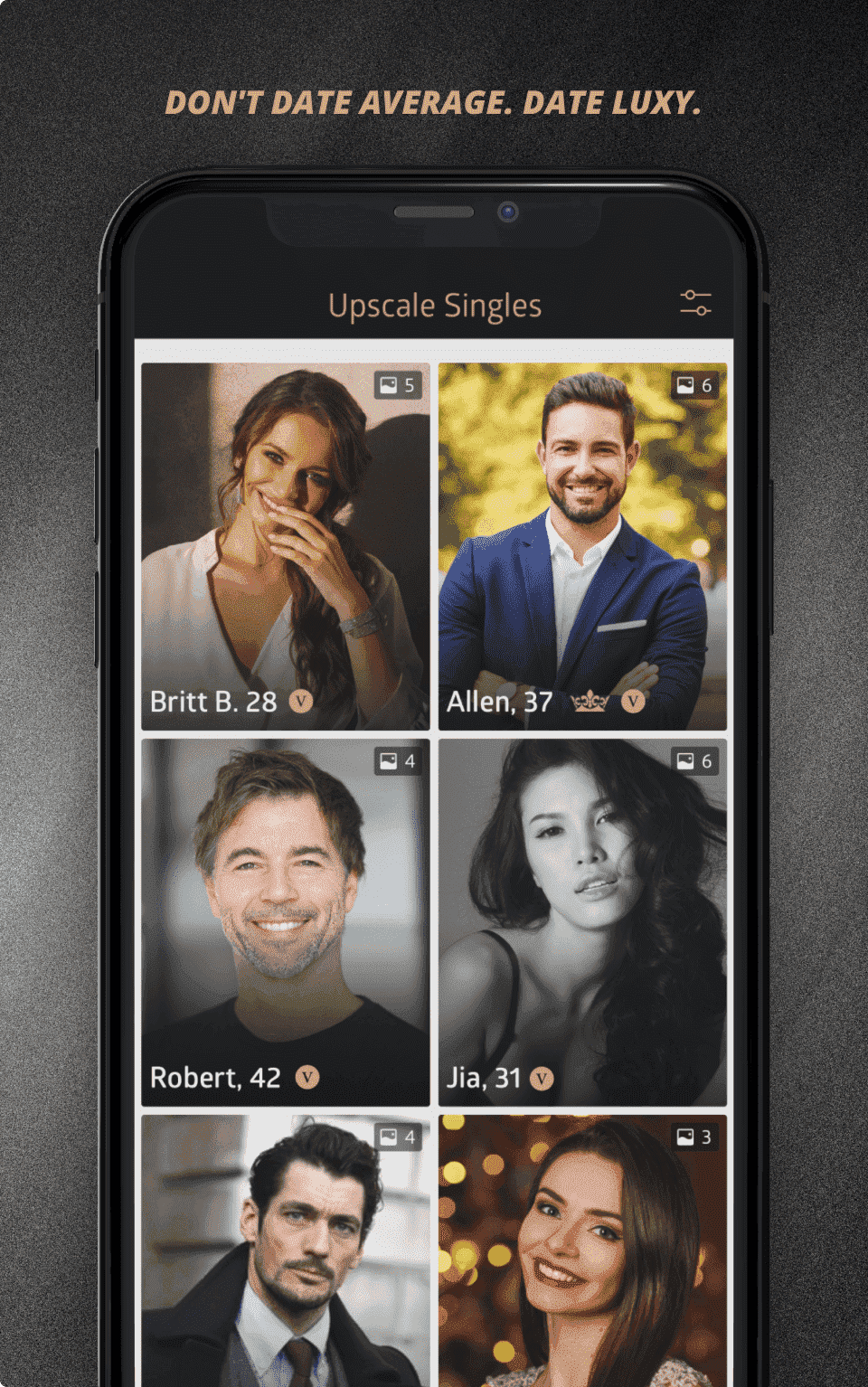
You can customize your match recommendations by adjusting your search preferences. Simply go to the Match page and tap the filter icon in the top-left corner.
From there, you can adjust criteria such as age range and gender preferences. Location-based search options are available for BLACK and PLATINUM members.
You can also choose which types of profiles you want to see (Newly Joined Members and verified profiles).
Once you save your changes, your recommendations will reflect your updated preferences.
Was this answer helpful?