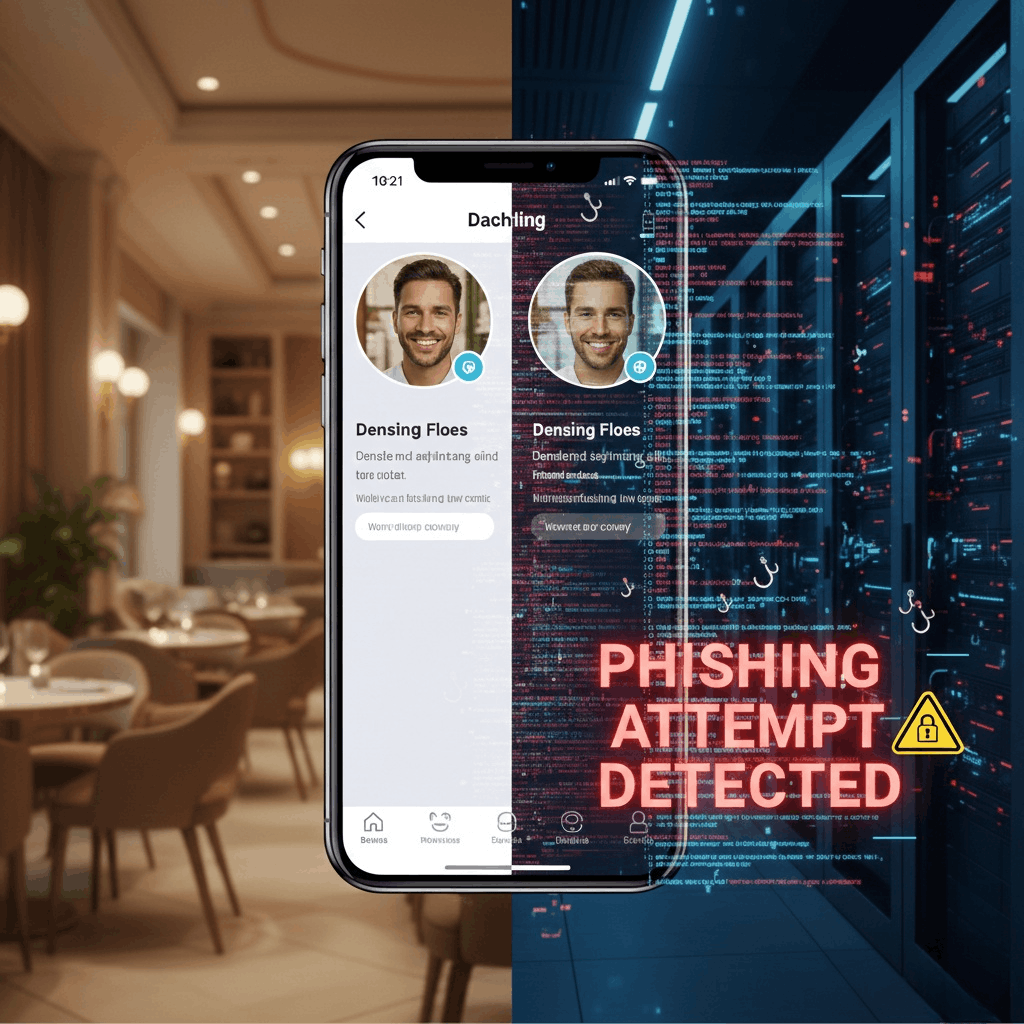
The Dating-to-Phishing Scam: When Your Dating Profile Becomes a Security Risk
A sophisticated scam is targeting online daters: Scammers use dating apps to collect your personal information, then launch convincing phishing attacks through services like Netflix, Facebook, Google, or lottery organizations.
How the Scam Works
The 5-Step Attack
Step 1: Legitimate-Looking Profile Scammers create dating profiles using their real information—not stolen identities—making them seem trustworthy.
Step 2: Information Collection Through casual conversation, they gather:
- Full name
- Email address
- Phone number
- Age and birthday
- Home address
- Occupation
Step 3: The Third-Party Attack Days or weeks later, you receive emails/texts appearing to be from:
- Netflix - "Subscription expired"
- Facebook - "Suspicious login"
- Google - "Verify your account"
- Amazon - "Delivery issue"
- Banks - "Security alert"
- Lottery - "You've won!"
Step 4: The Convincing Detail The message includes your real information from the dating app:
- Your correct name
- Your age or location
- Personal details you shared
This makes it seem legitimate—you think, "They have my info, must be real!"
Step 5: The Trap Clicking leads to:
- Fake login pages stealing credentials
- Malware downloads
- Forms requesting banking information
- Payment requests for "verification"
Why This Is Dangerous
The Trust Factor
Unlike random phishing, these feel legitimate because:
- Contains your actual information
- Timing seems unrelated to dating app
- Sender appears to be a service you use
- Urgency triggers quick action
Red Flags to Watch For
Email/Text Warning Signs
1. Urgency and Threats
- "Account suspended in 24 hours"
- "Act now or lose prize"
- "Immediate action required"
2. Suspicious Links
- Hover to see actual URL (don't click)
- Misspellings: "netfl1x.com" vs "netflix.com"
- Unusual domains: "netflix-verify.net"
- Shortened URLs from "official" sources
3. Requests for Sensitive Info
- Passwords (companies NEVER ask)
- Credit card numbers
- Social Security numbers
- Banking credentials
4. Poor Quality
- Grammatical errors
- Awkward phrasing
- Spelling mistakes
5. Mismatched Sender Addresses
- Check actual email, not display name
- "support@netflix-secure.com" ≠ "support@netflix.com"
- Random numbers/letters in domain
- Free email services for "official" messages
6. Generic Greetings Despite Personal Info
- "Dear Customer" when they have your name
- Mix of personal and generic information
How to Verify Legitimacy
Before Clicking Anything
1. Go Directly to Source
- Don't click email links
- Type official website URL yourself
- Check account on official site/app
2. Contact Company Directly
- Use official contact info from their website
- Call customer service (look up number yourself)
- Never use contact info from suspicious email
3. Analyze URL Carefully
- Check for HTTPS and padlock
- Verify exact domain spelling
- Watch for extra characters
- Beware of subdomains
Protect Your Information on Dating Apps
Share Wisely
Don't Share Early:
- Full legal name (first name only)
- Exact home address (city is enough)
- Work details
- Personal email (use app messaging)
- Phone number (use app features)
- Specific birthday
Never Share:
- Social Security number
- Financial information
- Account passwords
- Security question answers
Use App Features
- Stay on platform for messaging
- Use in-app calls
- Create separate "dating" email
- Use Google Voice for dating phone
- Set privacy controls on social media
Watch for Information Gathering
Suspicious Questions:
- "What's your last name?" (too early)
- "What's your address for flowers?"
- "What's your birthday for a gift?"
- "Where do you bank?"
Natural vs. Suspicious: Natural: "What neighborhood?" Suspicious: "What's your exact address?"
Natural: "What's your birthday month?" Suspicious: "What's your full birthdate?"
What to Do If Targeted
If You Receive Suspicious Message
- Don't click anything
- Verify independently - go to official site
- Report it - forward to company's phishing report address, FTC, dating platform
If You Clicked the Link
- Close page immediately
- Run security scan
- Change passwords
- Enable two-factor authentication
If You Entered Information
- Act immediately - contact bank, place fraud alerts
- Document everything - save emails, screenshots
- Report - IdentityTheft.gov, police, credit bureaus
Key Safety Rules
Legitimate Companies NEVER:
- Ask for passwords via email
- Demand immediate action
- Request sensitive info through links
- Threaten account closure without warnings
- Use urgency to prevent verification
Remember: Accurate personal information ≠ legitimate communication. Your data could come from anywhere—including that dating profile.
Always verify independently before taking action.
FAQ
Q: How do scammers get my information from dating apps? A: Through casual conversation. They ask innocent-sounding questions over time: "What's your last name?" "Where do you live?" "When's your birthday?" Days later, they use this data for convincing phishing attacks.
Q: Why don't I recognize this as a scam if the information is accurate? A: Accurate information triggers trust. Your brain thinks, "They have my real details, must be legitimate." You don't connect the dating conversation (days earlier) with the phishing email because they happen through different channels.
Q: How can I tell if an email is really from Netflix, Amazon, etc.? A: (1) Check actual sender email address, (2) Verify exact domain spelling, (3) Hover over links to see real URLs, (4) Go directly to official website yourself, (5) Contact customer service through official channels to verify.
Q: What should I do if someone on a dating app asks for personal information? A: Be cautious. Share minimal info early. Use first name only, general location, keep communication on app. Question why they need specifics. Real connections build trust slowly—scammers rush information collection.
Q: I already shared my information. What now? A: (1) Be vigilant for phishing attempts, (2) Set up two-factor authentication on all accounts, (3) Monitor email/texts carefully, (4) Consider credit monitoring, (5) Report suspicious dating profiles.
Q: What if I already clicked a suspicious link? A: (1) Close page immediately, (2) Don't enter information, (3) Run antivirus scan, (4) Change passwords, (5) Enable two-factor authentication, (6) Monitor accounts, (7) Report the phishing.
Q: Can I trust emails with my real information? A: No. Accurate information doesn't make it legitimate. Always verify independently by going directly to official websites or calling official numbers—never use contact info from suspicious emails.
Q: What are the biggest red flags? A: (1) Urgency/threats, (2) Requests for passwords, (3) Suspicious sender addresses, (4) Misspelled domains, (5) Generic greetings despite having your name, (6) Poor grammar, (7) Unexpected attachments, (8) Mixing real info with generic requests.